
What you need to print in colour
Polychrome works with a filament changer, multi-material unit or tool changer, with any nozzle size. The app ships a catalogue of PLA filaments from several brands. 14 Bambu Lab rolls ship measured; any other roll in the catalogue starts from an estimate you can correct with a check card. I test it on a Bambu Lab X1 Carbon with an AMS.
Check what you have





Any printer that switches filaments
Polychrome exports a 3MF, the standard 3D print file, and a print sheet, so any slicer and any printer that can change filament mid-print can print a plate.
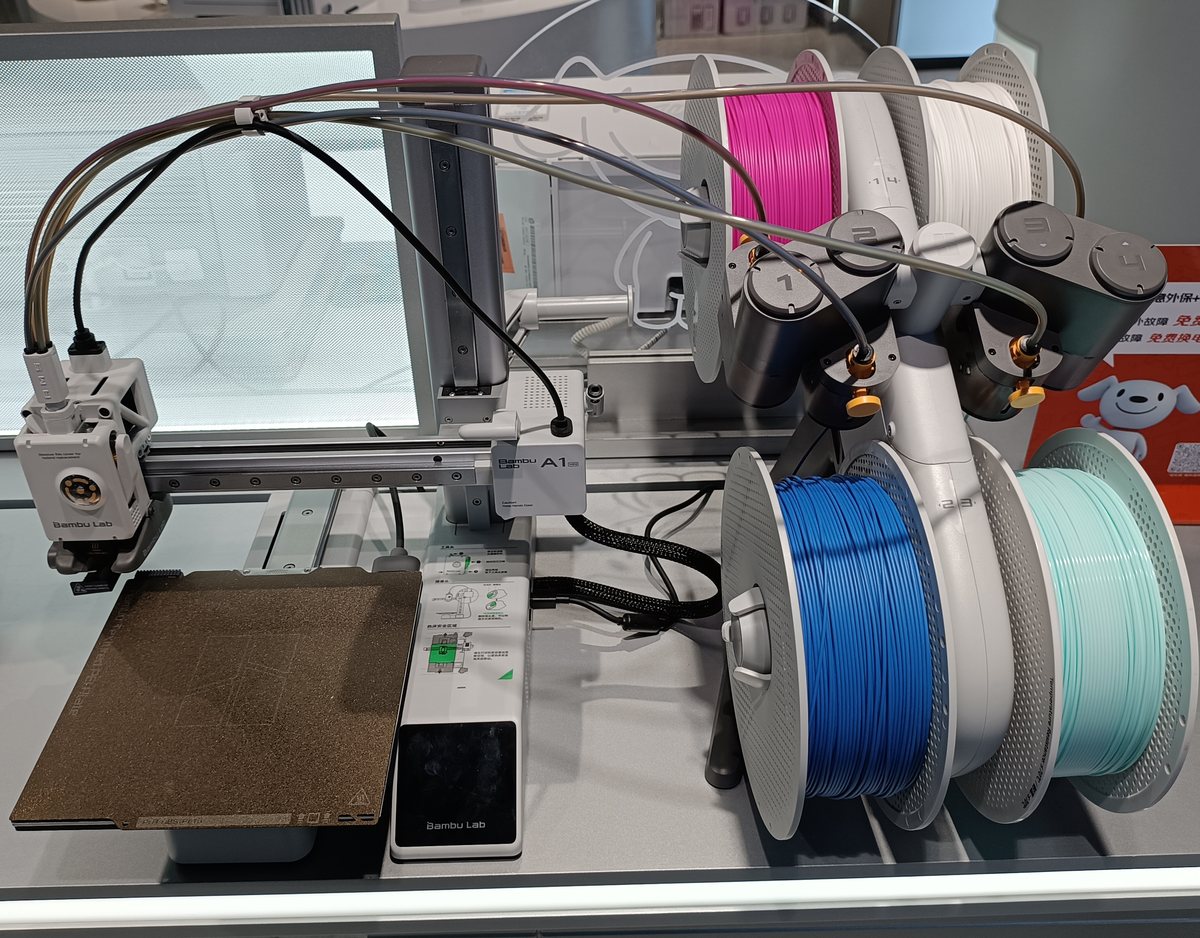
Bambu Lab A1 mini with AMS lite
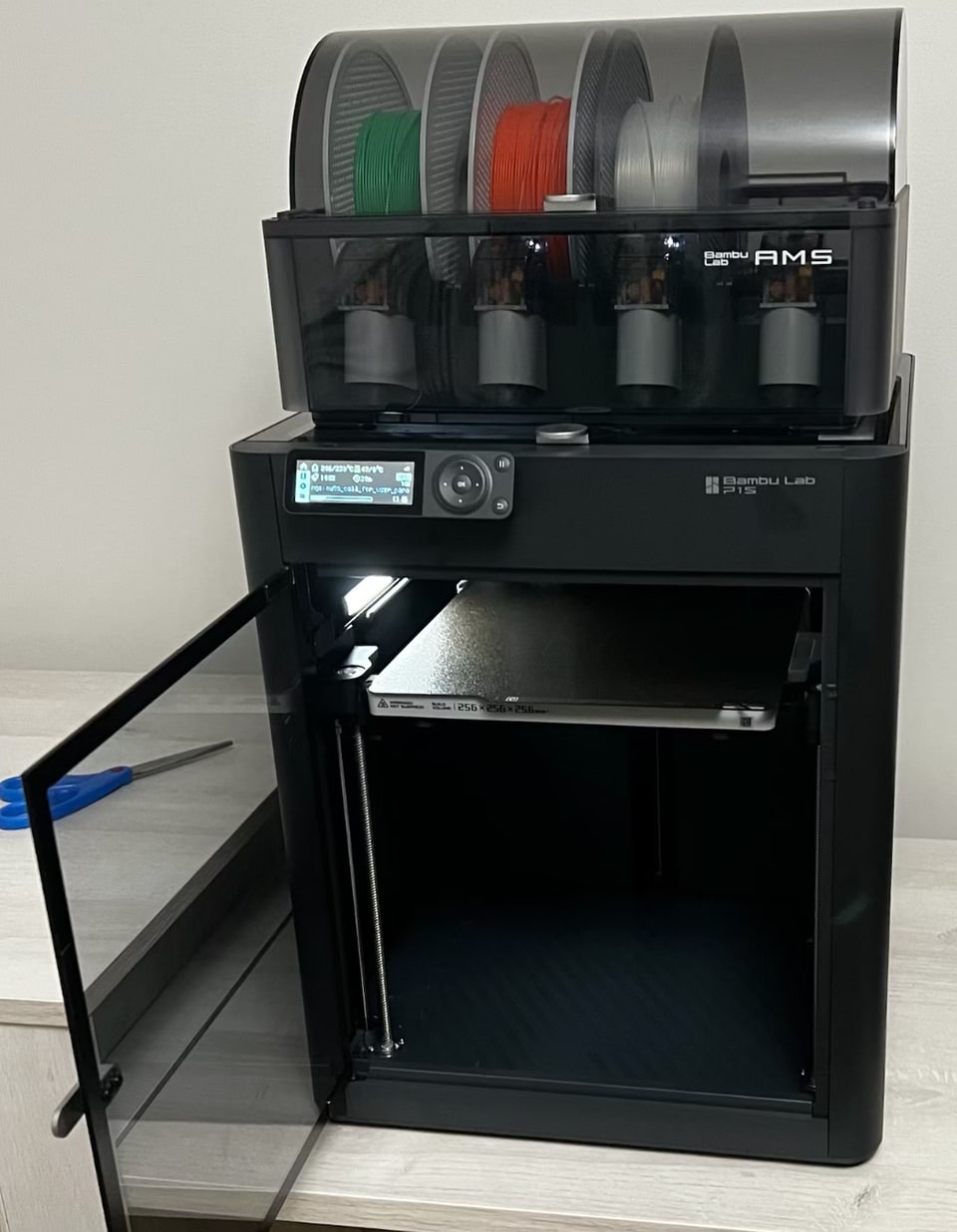
Bambu Lab P1S with AMS
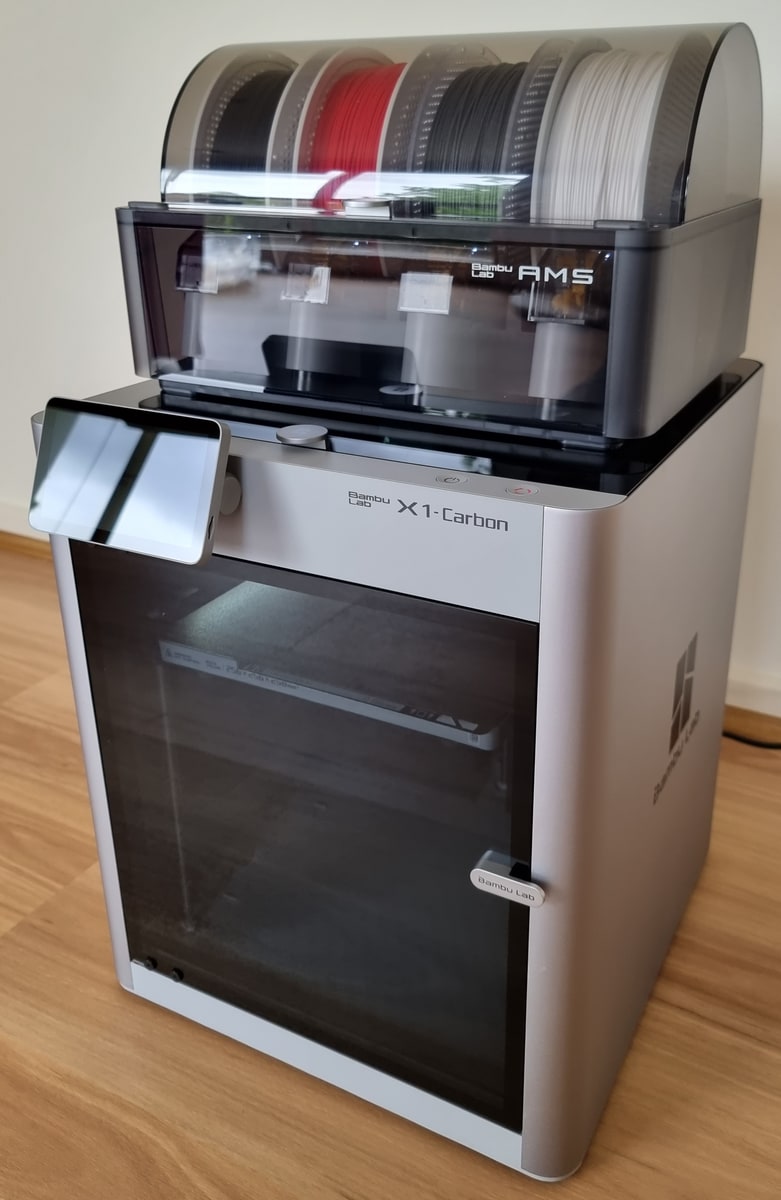
Bambu Lab X1 Carbon with AMS
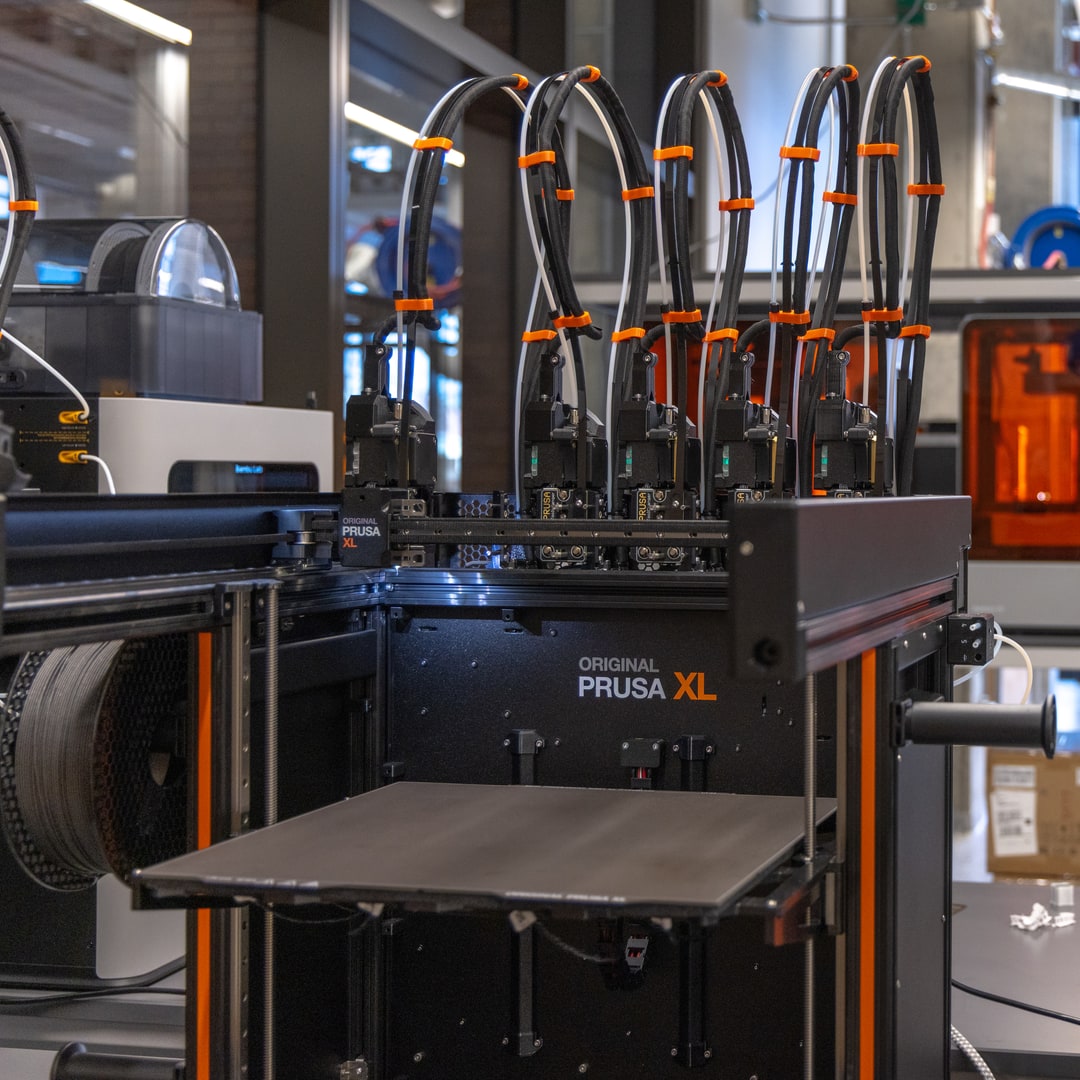
Prusa XL with five toolheads


Printers shown for illustration. Polychrome isn't made by or affiliated with these brands.
Tested hardware
Bambu X1C with AMS. The path with the most prints behind it.
The starter filaments
Polychrome installs eight of these by default: Matte Charcoal, Basic Jade White, Matte Ivory White, Basic Yellow, Matte Mandarin Orange, Basic Bambu Green, Translucent Red and Translucent Blue. The examples on this site use other rolls from this list that I had on the shelf. All 14 below ship measured. If your roll is on this list, you can skip calibration:
- Bambu Lab Basic Bambu Green (10501)
- Bambu Lab Basic Cocoa Brown (10802)
- Bambu Lab Basic Cyan (10603)
- Bambu Lab Basic Jade White (10100)
- Bambu Lab Basic Magenta (10202)
- Bambu Lab Basic Yellow (10400)
- Bambu Lab Matte Charcoal (11101)
- Bambu Lab Matte Dark Chocolate (11802)
- Bambu Lab Matte Ivory White (11100)
- Bambu Lab Matte Mandarin Orange (11300)
- Bambu Lab Translucent Blue (13611)
- Bambu Lab Translucent Light Jade (13510)
- Bambu Lab Translucent Purple (13710)
- Bambu Lab Translucent Red (13210)
Any other roll can be added. It starts from an estimate, and for accurate colour you print a check card and match it on screen. One card calibrates up to four filaments at once. It takes about an hour, once, and it's mostly printing.
From AMS lite to a five-tool Prusa XL.
If your printer can change filament on its own during a print, it can print a Polychrome plate.
Automatic filament changers
- Bambu Lab AMS, or AMS lite on an A1 or A1 mini: four filaments per unit.
- Creality CFS: four per unit, on a compatible printer.
- Anycubic ACE Pro: four per unit, on Kobra 3 or S1.
- Elegoo CANVAS: four, on a supported Centauri printer.
- Qidi Box: four per unit, with the matching printer kit.
- Flashforge IFS: four, on AD5X.
Multi-material units
- Prusa MMU3: five filaments, with the kit for your printer.
- DIY ERCF: the count depends on your build.
- DIY Box Turtle: four in the standard box, expandable.
Tool changers
- Prusa XL: up to five filaments with five toolheads.
- Prusa CORE One with INDX: four or eight tools.
- Snapmaker U1: four filaments on four toolheads.
- Bambu Lab H2C: up to 24 filaments with expanded AMS and Vortek hotend changing.
Use the right hardware, firmware and slicer profile for your setup. Open the 3MF in your slicer and assign the filaments before slicing. I test on a Bambu Lab X1 Carbon with an AMS.
Four rolls fill an AMS lite, so a four-roll plate prints with no pause. A fifth colour costs one pause to swap a roll.
3MF file export
Polychrome exports a generic 3MF file, which should work in any slicer, as well as a Bambu-specific 3MF project file. The Bambu project already knows which roll prints which part, and where to pause. With the plain 3MF you set that up yourself in the slicer and follow the print sheet.
Windows and macOS, out now
On Windows, Polychrome installs by unzipping it; on a Mac, you drag it into Applications. It never touches your printer's firmware. Try it free for seven days on either one. Sizes and checksums are on the download page.

Windows
Windows 10 and 11, 64-bit. Unzip it anywhere and run it.
macOS
Apple silicon, M1 and later. Requires macOS 14 or later. Open the disk image and drag it into Applications.
Linux
Not released yet. The free trial is Windows and Mac only.


Read the sheet before you start
Every plate comes with clear instructions in the app: which filament goes in which slot, and when to swap one if switch out black is on. For Bambu Studio or Orca Slicer, download the project and it opens with the spools, layer heights and pause already set. For any other slicer, the 3MF and the print sheet tell you what to set.
Print sheet
Load the slots in this order
- slot 1Bambu Lab Matte Charcoal (11101)base
- slot 2Basic Yellow (10400)
- slot 3Translucent Red (13210)
- slot 4Translucent Purple (13710)
The base prints
0.56 mm
Pause at layer 3 (Z 0.64 mm)
Matte Ivory White (11100)
Swap slot 1 to Matte Ivory White, then resume.
Colour layers print at 0.08 mm
Still unsure about your setup?
Send your printer, slicer and filament codes and I will tell you what I have tested.
Picture credits
P1s with ams, Pineapplefish77, CC BY-SA 4.0, cropped.
3D printers in the JD Mall electronics showroom, Dongguan, December 2024, NAS 238 WMMNO, CC0, cropped.
Bambu Lab X1 Carbon with AMS module, Benlisquare, CC BY-SA 4.0, cropped.
UC Davis Tech Foundry, June 2025, Mario Rodriguez/UC Davis, UC Davis College of Engineering, CC BY 4.0, cropped by Elmepi.


